Real-time answers in your job interview
This is what InvisiHire was built for first. It listens to the interview and puts an answer on your screen while the interviewer is still asking, written from your own resume so it sounds like your experience rather than a template.
10 free sessions, 10 minutes each. Windows 10 and 11, macOS in development.
What it does in an interview
Coding rounds, read off the screen
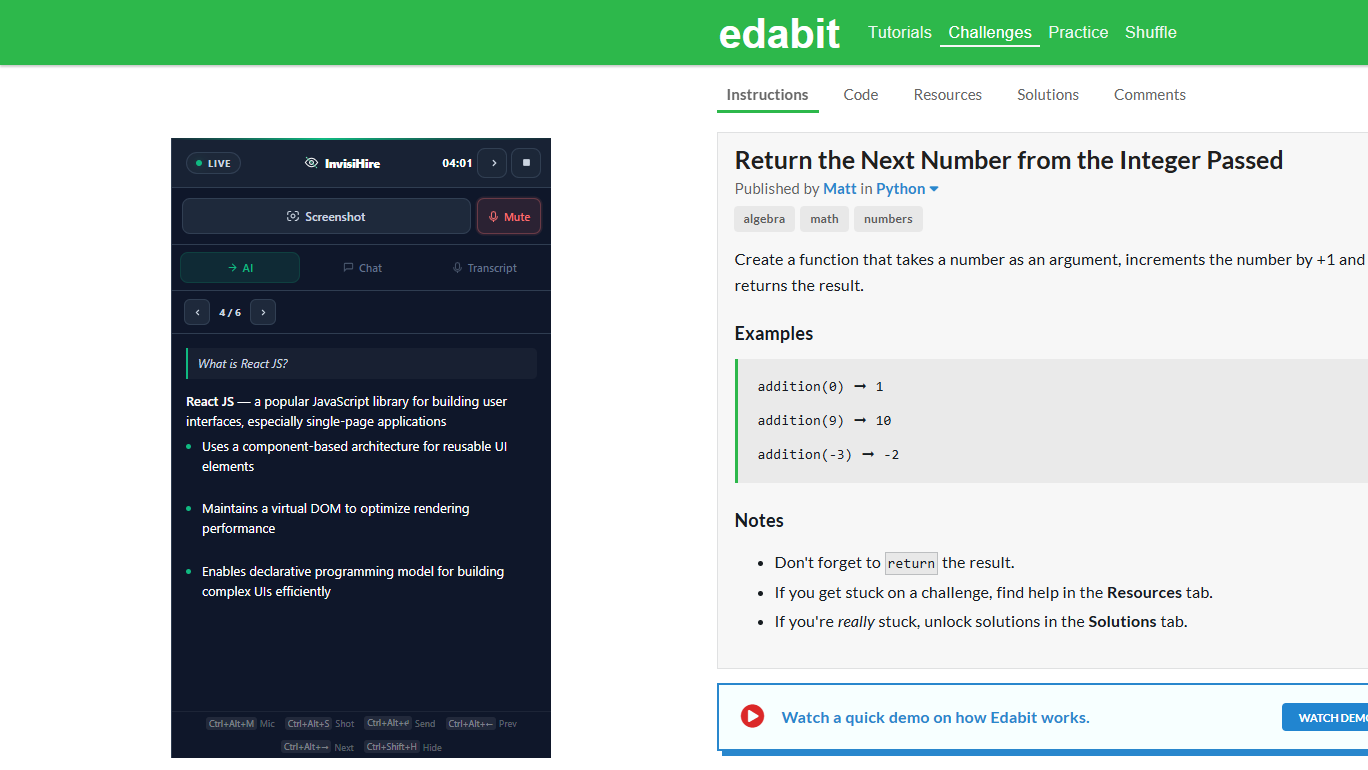
A real coding problem does not fit on one screen. Screenshot it, up to 12 images in a single question, and the whole thing is read together: the description at the top, the constraints below the fold and the examples further down again.
Behavioural questions, structured as you answer
"Tell me about a time you disagreed with a teammate" is not a knowledge question. The answer comes back as a shape to follow, with the specifics pulled from the projects on your own resume rather than invented.
Written as you, from your resume
Attach your resume and any documents before the interview. Answers are grounded in what you actually did, so the detail you give matches what the interviewer is reading in front of them.
Interview in one language, think in another
Set the interviewer's language and your answer language separately, across more than 60 languages. A question in Urdu or Hindi can be answered in English, or the other way round.
How it runs
Set the interview up beforehand
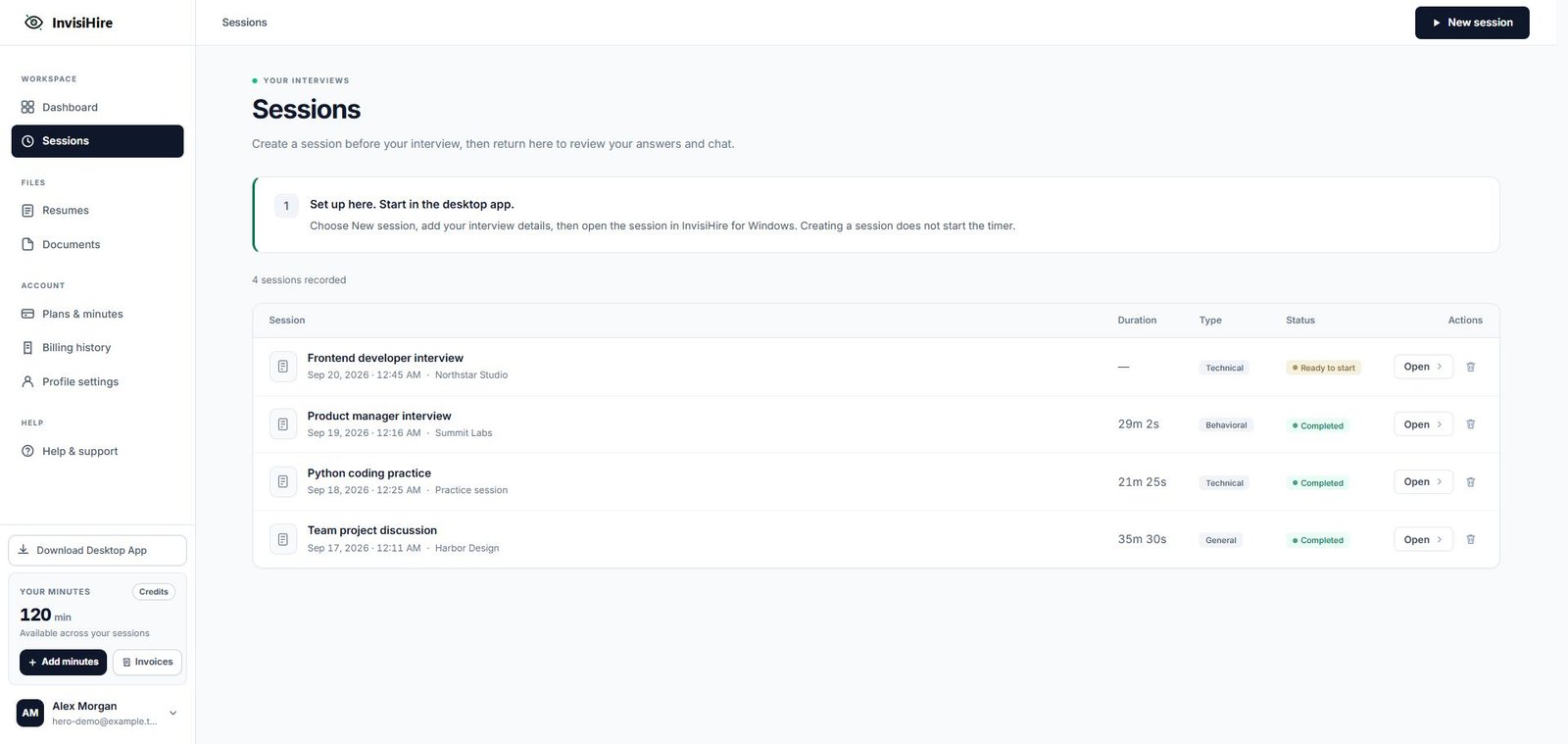
Create the session in your browser, add whatever context matters and attach your resume or documents. Creating it does not start the clock.
Open it in the desktop app
One click from the session page launches it in InvisiHire for Windows. Nothing joins the call and nobody is notified.
Answers appear as you talk
It hears the question and writes the answer beside you. Screenshot anything on screen, up to 12 images in one question, if the answer is in something you are looking at.
Everything is saved
Every question and answer from the session stays in your account, so you can reread it afterwards.
InvisiHire is built for conversations where AI assistance is allowed. Rules differ by country, by employer and by the person on the other end of the call, and some places require everyone to agree before a call is assisted or recorded. Check your own company policy and the law where you are first. If you are not sure, ask.
What it costs
- Free Up to 10 sessions, 10 minutes each, 10-minute cooldown, no card
- Basic $9 for 3 hrs, never expires
- Plus $19 for 8 hrs, never expires
- Pro $29 for 14 hrs, never expires
Minutes come from our live pricing, so this page cannot quote a price we no longer charge. They never expire and they stack.
Frequently asked questions
Can the interviewer see it?
No. The panel is hidden from screen sharing and recording at the operating system level, on every plan including the free one. It does not join the call and does not appear in the participant list.
Does it work on a coding interview?
Yes. Screenshot the problem, up to 12 images in one question, and the whole problem is read together rather than one screen at a time. The answer comes back as a full solution using the signature you were given.
Will it sound like me?
It is written from the resume and documents you attach, so the projects, the job titles and the numbers are yours. It gives you the shape of an answer and the specifics to fill it with, not a script to read out.
Which interview platforms does it work with?
Any of them. InvisiHire listens to the audio on your own machine rather than joining the call, so it works on Zoom, Google Meet, Microsoft Teams and the coding platforms interviewers use.
Is it allowed?
That depends on the company and on where you are. Many take-home and practice settings allow assistance and many live interviews do not. Check the rules of the process you are in before using it, and ask if you are unsure.
What does it cost?
Up to 10 free sessions of 10 minutes each with no card. After that, minutes are $9 for 3 hours, $19 for 8 hours or $29 for 14 hours, and they never expire. A $39 monthly plan covers unlimited sessions.
Try it on your next interview
Ten free sessions, ten minutes in each. No card needed.
Windows 10 and 11. macOS is in development.